
Exchanges
Sometimes an application needs to interact with other applications while being active, like a graph getting data from a stream, a chat AI agent doing some actions etc. this is done via exchanges.
If an application has enabled exchanges it will like this
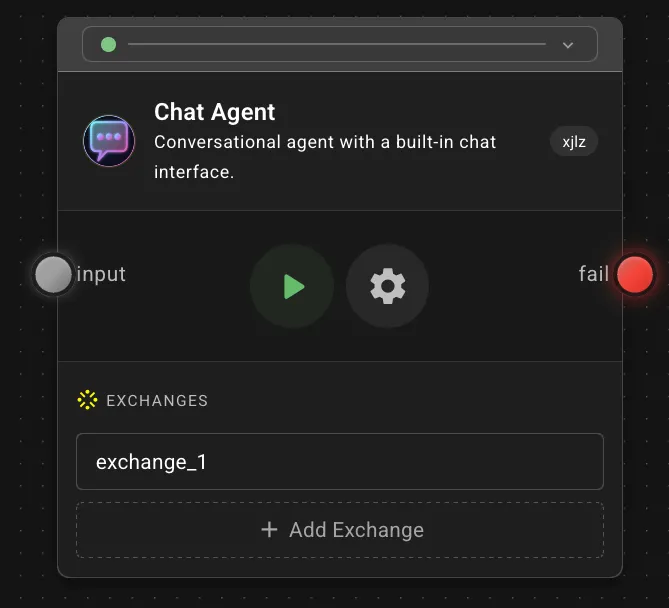
An exchange is a fork of the main and is defined in the same way as any project, a graph connecting a series of vertices…
One thing to be aware of is that the data returned to the vertex calling the exchange has to be explicitly defined. This is done using the native node Exchange.
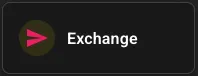
The exchange node works in a similar fashion as the output node with the difference that the data is sent back to the vertex calling the exchange.
When dragging the exchange vertex node onto the canvas you have the option to use an already defined exchange node or to add a new, when adding a new you need to name it. Name it something descriptive so it is easy for you to understand the purpose of it. This can be changed later if needed.
Just like with the output vertex you have to explicitly define what data is being sent back to the vertex and this is done in the exact same way.